
Stock Status:
Condition: New
SKU : 9586M19
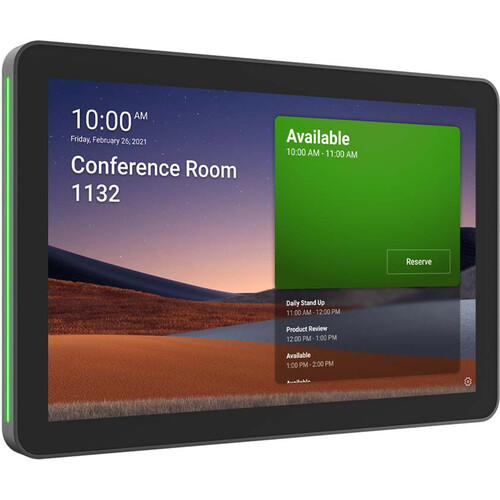
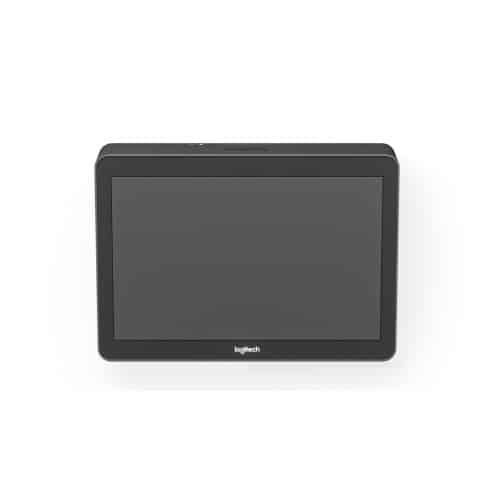
Make video meetings simple to join with a touch controller with wireless and HDMI content-sharing.
Transform your space into a Google Meet meeting place or a Microsoft Teams Rooms on Windows with Logitech Tap. Deliver one-touch join, calendar integration, easy content-sharing, and a consistent experience across all rooms.
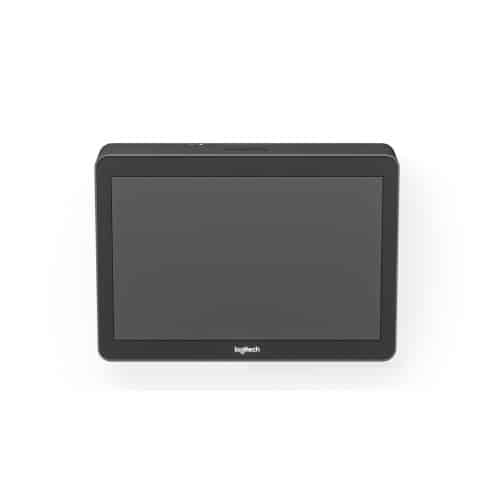
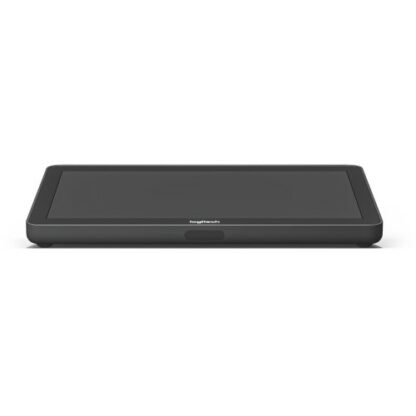
With a spacious 10.1” display, low profile, and motion sensor for always-on readiness, Tap has a sleek and unobtrusive presence in the room.
Route cables out the back or through the bottom. Keep connections tight with built-in strain relief and retention mechanisms.
Install Tap almost anywhere in the room with Table and Riser Mounts that fit standard grommets and rotate 180° for visibility and convenience, or save table space in small rooms with the Wall Mount.
Flexible cabling lets you locate Tap near participants for convenient operation while installing the host computer in a cabinet, beneath a table, or behind a display.
Bring instant content sharing via wireless or HDMI connections to video meetings rooms with Tap.
Enable easy and effective meetings for both in-office and at-home workers through Logitech’s portfolio of room solutions that integrate with leading video conferencing services to raise the bar on collaboration.
| Specification | Details |
|---|---|
| Display Size | 10.1-inch touchscreen |
| Resolution | 1280 x 800 |
| Touch Type | Capacitive |
| Connectivity | USB / Cat5e |
| Ports | USB Type-C, USB Type-A, HDMI input, 3.5mm jack |
| Mounting Options | Table, Riser, Wall |
| Cable Length Support | Up to 40 meters |
| Compatibility | Windows, ChromeOS, CollabOS |
| Product | Price (KES) (approx.) |
|---|---|
| Logitech TAP Touch Meeting Room Controller | 85,000 – 150,000 |
| Pros | Cons |
|---|---|
| Easy one-touch meeting control | Expensive setup cost |
| Compatible with major conferencing platforms | Requires dedicated room system |
| Clean cable management design | Not portable |
| High-quality touchscreen display | Limited standalone functionality |
| Multiple mounting options | Setup may require IT configuration |
1. What is Logitech Tap used for?
It is used to control video conferencing systems in meeting rooms.
2. Does it work standalone?
No, it requires a connected room system (PC or appliance).
3. Which platforms does it support?
Microsoft Teams, Zoom, and Google Meet.
4. Can I share content using it?
Yes, via HDMI input for instant content sharing.
5. Is it easy to install?
Yes, with multiple mounting options and flexible cabling.
The Logitech TAP Touch Meeting Room Controller is a powerful and intuitive solution for managing modern video conferencing environments. With its responsive touchscreen, seamless integration with major platforms, and clean installation design, it is an excellent choice for businesses looking to streamline their meeting room experience.
Copyright © 2026 Powered By Rondamo - All Rights Reserved.